

















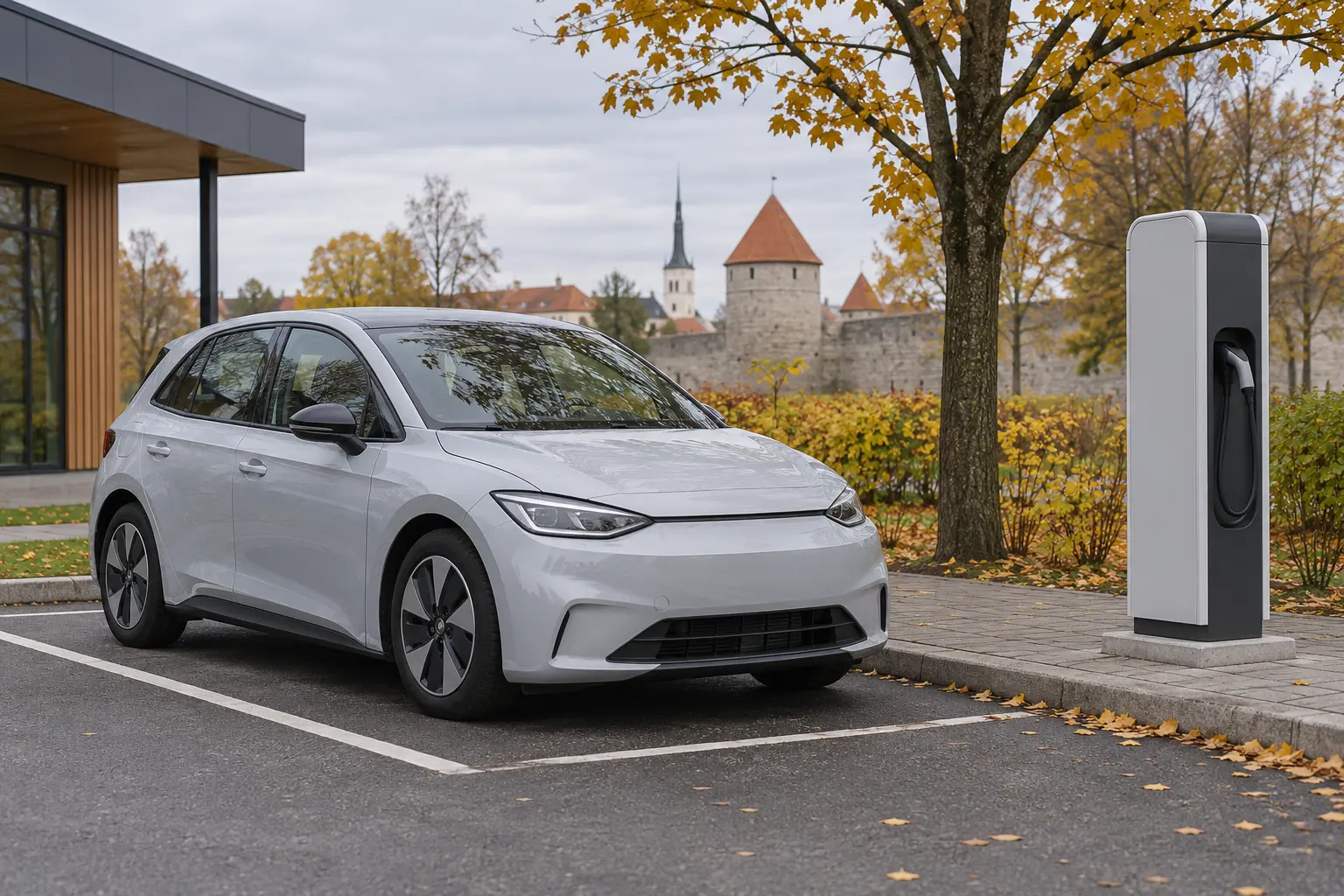
The charging stop in an unfamiliar electric rental car is easier when the basic questions are answered before the battery becomes low. A charging point on a map is not enough: the vehicle, connector, payment method and accessible parking space all have to match. Prepare for the specific car and station rather than copying instructions from a different model.
Ask for a charging demonstration at collection
Ask the rental company to show the charging port, the supported connector and the normal procedure for stopping charging and releasing the cable. Confirm whether a portable cable is supplied for stations that require one, and where it belongs when you return the car. Photograph the equipment condition with the handover record if appropriate.
Clarify who pays and how. A card in the glove compartment may be a rental-company charging credential, not permission to charge anywhere without cost. Ask which networks it covers, what charges will be passed on and what battery level is required at return. Use the actual rental agreement; there is no universal return percentage for every company. Do not link a rental vehicle to a personal automatic-charging profile without the owner’s permission.
Match the car to an available connector
Check the operator’s current station information for the connector type, availability and access hours. Elektrum Drive’s official station information distinguishes CCS, CHAdeMO and Type 2 connections and includes sites with different opening arrangements. A nearby map pin does not prove your chosen connection is available or accessible at arrival.
Find out whether that point has its own cable or requires the compatible cable supplied with the vehicle. Do not solve incompatibility with an improvised adapter or extension lead. If the cable or connector appears damaged, choose another usable point and report the issue. Keep an alternative station in mind rather than reaching the first attempt with no margin for a queue or fault.
Check the charging price you will actually use
Read the price and conditions for the selected connector through your chosen payment route before starting. Elektrum’s guidance notes that roaming through another service can involve an additional charge. A price shown in one operator’s app therefore should not automatically be treated as the price of a different card or roaming app.
Check any payment authorisation or temporary reservation required by the method you use. A reserved amount is not necessarily the final session charge. Prepare the supported app or rental card before travelling, but follow the station’s actual instructions rather than assuming every charger has the same terminal or accepts the same bank card.
Confirm charging, not just connection
At the bay, match the physical station and connector identifier with the one selected in the app. Follow the displayed sequence. Elektrum’s instructions describe identifying the charger, authorising the session and connecting the appropriate cable, while warning that individual equipment may need additional steps. Connecting a cable alone is not proof of a successful paid session.
Check the vehicle and station or app status before walking away. If charging does not start, follow the operator’s troubleshooting instructions and contact its support rather than repeatedly authorising new sessions without checking the previous outcome. Do not treat the station’s maximum advertised power as a promise of the speed this car will receive.
End the visit properly
Stop the session through the supported method and confirm the result. Release the connector according to the car’s instructions; do not pull a locked cable by force. If it will not stop or release normally, call the operator or rental support. Return a station cable to its holder, or pack the supplied cable correctly.
Check parking rules separately, including time limits and any payment required. Charging is not a universal parking exemption. Save the session receipt and compare the final charge with the recorded session. Leave enough time to meet the rental return condition without turning the final charging stop into an avoidable deadline problem.