
















A nearby smart-parking symbol is a starting point, not proof that your bicycle can be left there immediately. A useful plan covers the exact dock, access method, physical fit and the return journey. This is about parking your own bicycle at a suitable Bikeep facility in Tallinn, not hiring a bike, ending a rental-scooter ride or buying a lock with a promise of complete protection.
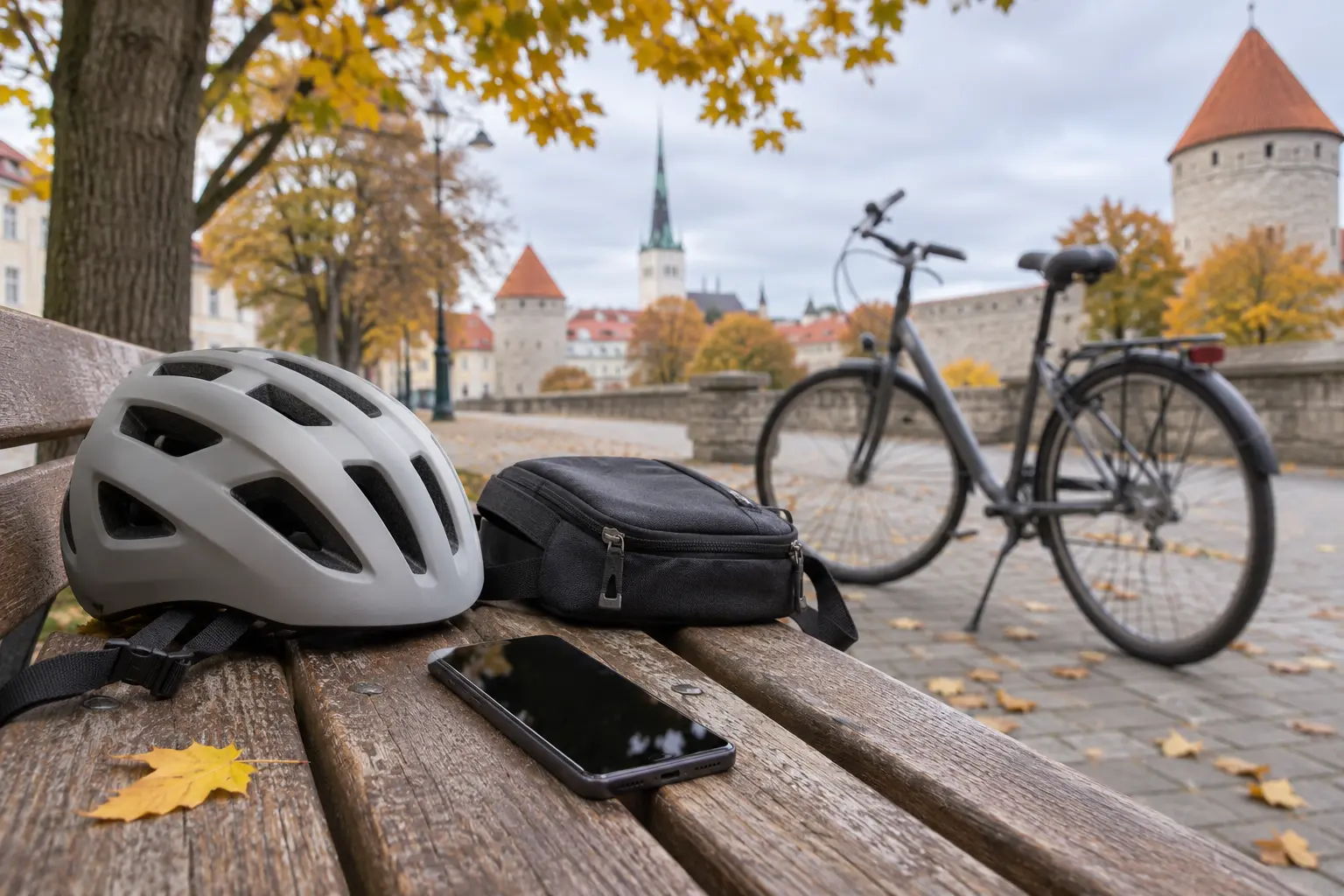
The cover was created with AI as an illustration and does not depict a real Bikeep station or a locking example.
Pick a bicycle space, not just a familiar address
Use Bikeep’s current Tallinn map and inspect the station name and equipment type. The list separates bicycle docks, scooter stations and lockers. For example, Gonsiori tn 7 appears with separate bicycle and scooter entries. Near Balti Jaam, the market entries at Kopli 1 are distinct from the Selver entry at Toompuiestee 37. These examples explain how to read the list; they are not a guarantee of availability or access when you arrive.
Check the position, walking route and live availability before departure. A free space shown earlier is not a reservation. Read any local access or time restrictions and identify a backup location. Do not assume a station inside a property is open to every passer-by or that an open-air dock is a covered bicycle locker.
Prepare access before you need it
The city’s official Visit Tallinn guidance describes app access and an online-registered Ühiskaart for its listed Bikeep locations. Bikeep also supports card-based systems, but that does not prove every contactless card works at every station. Check the instructions for the chosen dock before relying on a card. Keep the access method you used available for your return; do not assume a second card or a different account can release the bicycle.
If using the app, install it from the official store link and set up your own account before the trip. Check that the phone works and has enough charge for collection as well as arrival. Read the service terms. Tallinn’s map describes free parking, while Bikeep’s general terms allow location-specific fees shown in the app. Confirm the actual location’s conditions rather than extending one free-parking statement to every Bikeep facility.
Check fit and locking on site
Match the dock identifier in front of you to the one selected in the app. Follow that station’s displayed instructions to open the lock, position the bike and secure it. The standard station is designed to hold the frame and wheel. A marketing statement about ordinary frames does not establish compatibility with every cargo bike, unusual frame, child seat or accessory arrangement. If it does not fit as instructed, do not force the mechanism or improvise a different attachment.
Before walking away, confirm the physical locking result and the session status shown by the chosen system. A scan or button tap alone is not enough. Do not rely on an invented universal light colour or sound: use the station’s own instructions. Take bags and loose valuables with you. A dock is not automatically storage for everything hanging from the bicycle.
Plan retrieval, including a failure
Bikeep’s app instructions say to open the active session and use its unlock control. Return to the correct dock, follow the instructions, remove the bicycle after release and check the resulting session status. Do not pull hard on a lock that has not released. If access fails, note the location, dock identifier and message, then use the official support details on the station or in the service.
Allow time for help rather than assuming immediate assistance. Neither a camera nor a smart lock guarantees that theft or damage cannot happen. Read the operator’s conditions and any separate insurance terms without assuming parking includes compensation. The practical goal is a correctly completed parking and retrieval process, not a promise of risk-free storage.