

















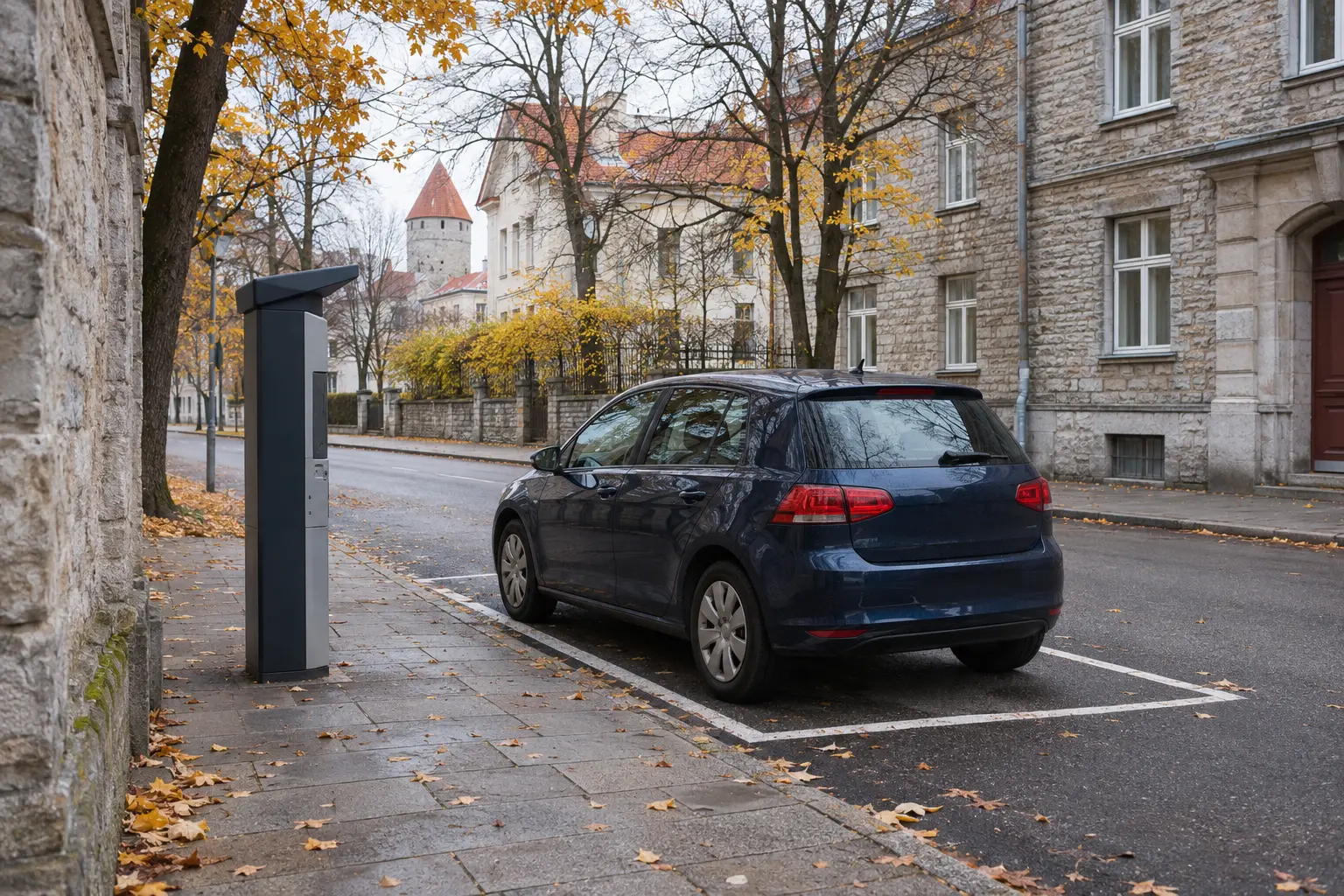
“I will only be five minutes” can turn into a longer visit when a seller is late or an appointment runs over. Plan parking as a separate part of the errand, not as something the person you are meeting has automatically arranged. In Tallinn, a street space, a private courtyard and a parking house may have different terms even when they are next to each other. A payment app does not remove those differences.
Identify the place before choosing a zone
Read the signs and notice board for the exact space where you intend to leave the car. Identify the operator, zone, charged times and payment options. Compare the sign with the location shown in your chosen app; do not select a nearby zone merely because it appears first. Save the meeting address separately from the parking location, especially where the entrance is on another street.
Tallinn’s visitor information distinguishes public street-parking zones from private facilities with their own rates and conditions. The same operator’s logo does not necessarily mean the same rules apply everywhere. Ask your host about access, but verify the posted terms yourself. An invitation to visit does not by itself reserve a space or provide a parking permit. If no suitable space is available, agree a different meeting point rather than improvising in a restricted area.
Do not generalise the free opening period
For Tallinn’s public paid-parking area, the first fifteen minutes are free when the start time is visibly marked with a parking clock or written notice. This is not a citywide rule for every private car park. Read the conditions of that particular site instead of applying a familiar allowance from another place. A free period also does not authorise parking where other restrictions prohibit it.
If your mobile method offers a delayed charging option, follow that provider’s exact instructions and still mark the start time where required. Do not copy an old zone abbreviation from a friend’s message. Decide what you will do if the visit takes longer than expected: start the appropriate paid session or leave within the permitted time. A reminder is useful, but it does not change the terms or extend a limit.
Verify the car and the start result
Before confirming payment, check the registration number and zone. This matters especially with a rental car, a family vehicle or an app holding several saved plates. Elisa explicitly tells mobile-parking users to inspect the confirmation message for both details. A successful payment for another car or area is not the result you intended. Correct an error through the service’s instructions rather than assuming the operator will infer your intention.
Tele2 says to wait for the start confirmation and use another available payment method if mobile parking fails. An attempted message is not confirmation. Choose a method available to your phone and account; do not assume that a visitor’s foreign SIM supports every local SMS service. If you cannot establish valid parking, resolve that before walking away from the car.
Finish the session as deliberately as you started it
At departure, follow the chosen service’s ending procedure and check its confirmation. Do not assume that driving away or closing the app ends a manually started session. Tele2 explains that charging can resume when a paid period returns unless the session has been ended. Likewise, follow a gated car park’s own exit instructions rather than importing the street-parking procedure.
Keep the receipt or session record until you have checked the charge. If something is wrong, note the place, time, plate and zone and contact the relevant operator. These records support a clear question; they do not guarantee cancellation of a charge. A completed errand includes the right parking session being closed, not only the item being loaded into your car.