











Start with a story
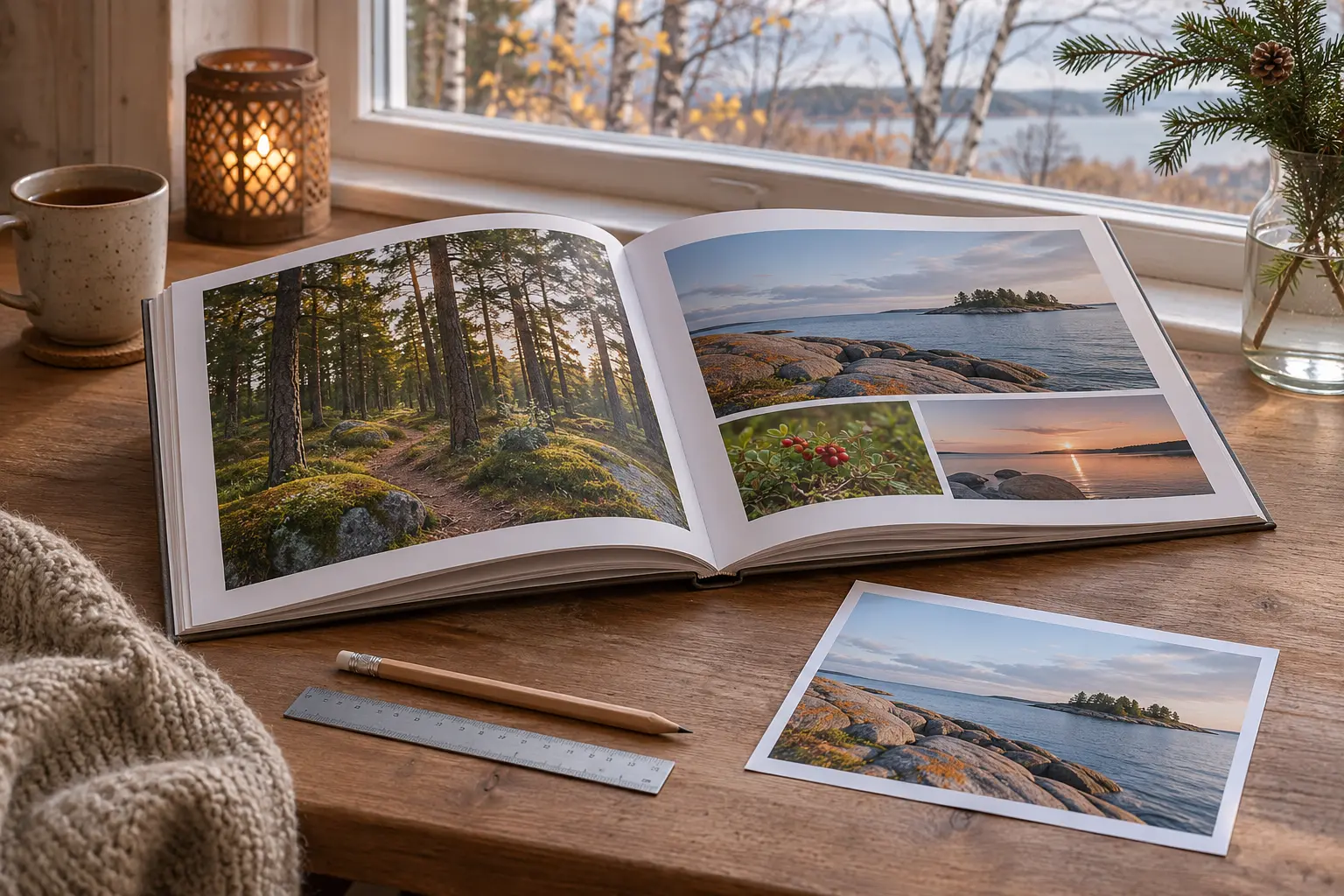
November leaves room to prepare a family gift without rushing the design. Choose one story: a year at the summer house, a trip or the first months of school. Arrange the photographs and remove near-duplicates. One expressive image with a short caption often works better than filling every gap. Do not send your entire family archive indiscriminately.
Check the source files
Make a folder of original photographs rather than screenshots from messages. Blurb targets 250–300 PPI at the actual printed size [2]. This is one provider’s guidance, not a universal setting. Ask your chosen printer for its requirements. If the editor flags quality, find the original or reduce the image’s size in the layout. A decorative border does not resolve a quality warning.
Build one trial spread
First design a spread with a large photograph, a few smaller pictures and a caption. Blurb’s dimensions and bleed depend on the selected format’s specifications [1]. Do not automatically reuse another book’s settings. Ask your printer about safe distances from edges and the binding. Check whether faces, dates or important details fall in vulnerable areas.
Review words separately from pictures
Read names and dates on their own, then browse the book as a reader. Check the sequence, repeated photographs and blank pages. Blurb recommends reviewing the PDF at a zoom of at least 200% too [3]. Ask someone close to you to read the captions without telling them where you suspect an error.
Before paying
Ask about a proof copy, its cost, revision terms, and production plus delivery time to Estonia. Do not treat a displayed estimate as a promise that a gift will arrive by a particular evening. If time is short, reduce the project’s scope rather than the checks. Save the final file with a date and version number, and match that version to the order. A home print helps assess text size but does not replace the printer’s paper and colour proof.