
















Measure the illuminated area
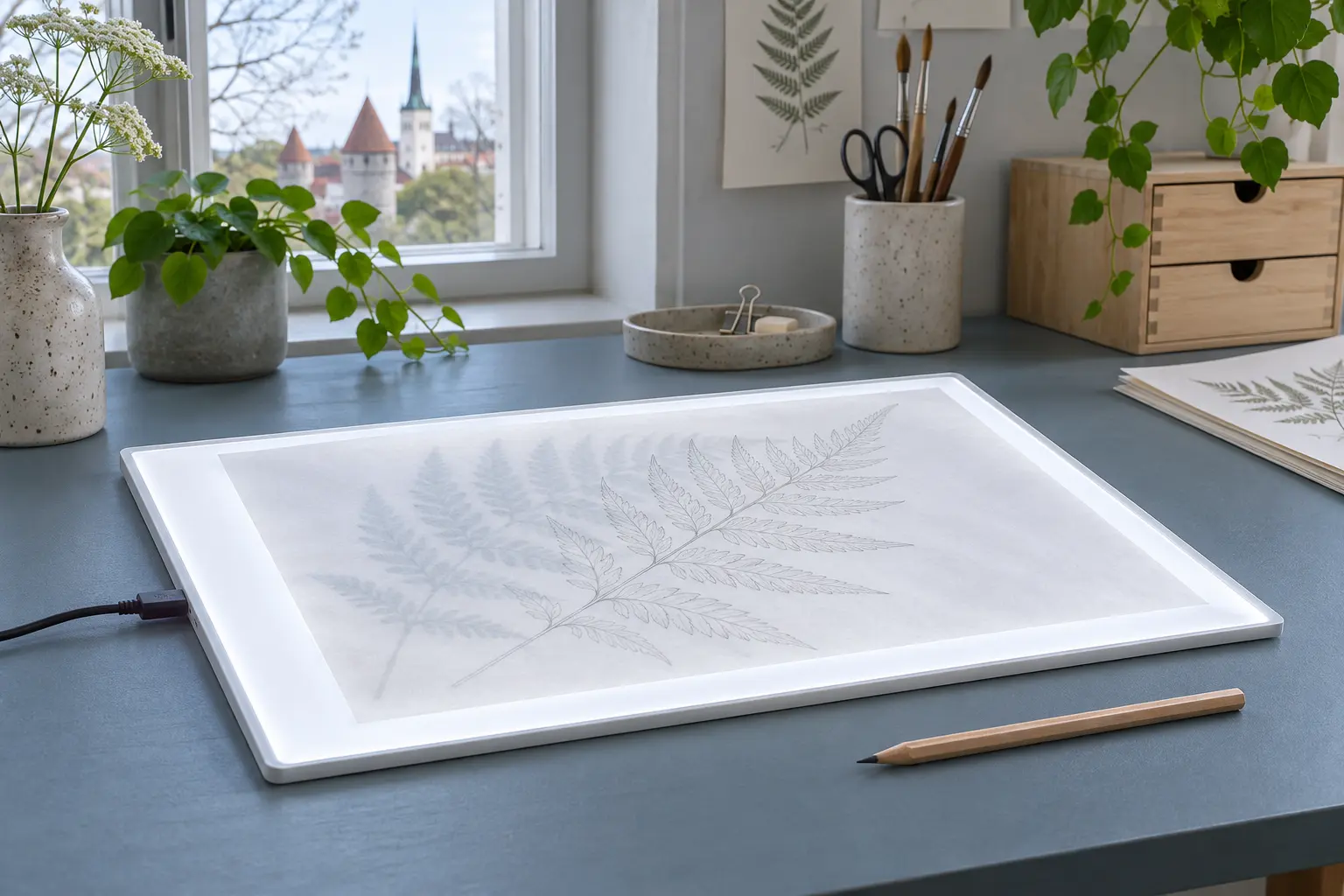
Ask the seller to turn it on and measure the lit width and length, excluding the bezel and any printed ruler. If you trace nearly full-page A4 drawings, place one on the pad and see whether the lines remain visible near the edges. The outer case is not the working area. Daylight’s Wafer 1 A4, for instance, has three brightness settings; dimensions and controls can differ on other models.
Bring the paper you actually use
Put your drawing on the pad with your usual tracing sheet on top. Move the same portion of the drawing from the centre to each edge in ordinary room light. Try each brightness setting, if present. A useful setting lets you follow the required lines without shifting the page. A seller’s video can help, but the camera may adjust exposure automatically and mask a difference you would see on paper.
Check the surface and power
Look across the switched-off surface in side light for deep scratches and cracks. Turn it back on and see whether the marks interfere with tracing. Ask for the exact model label and confirm which cable and, if required, adapter come with the unit. Do not use an unknown power supply just because the plug fits. If parts are missing, check the manual and include a suitable replacement in the total cost.