

















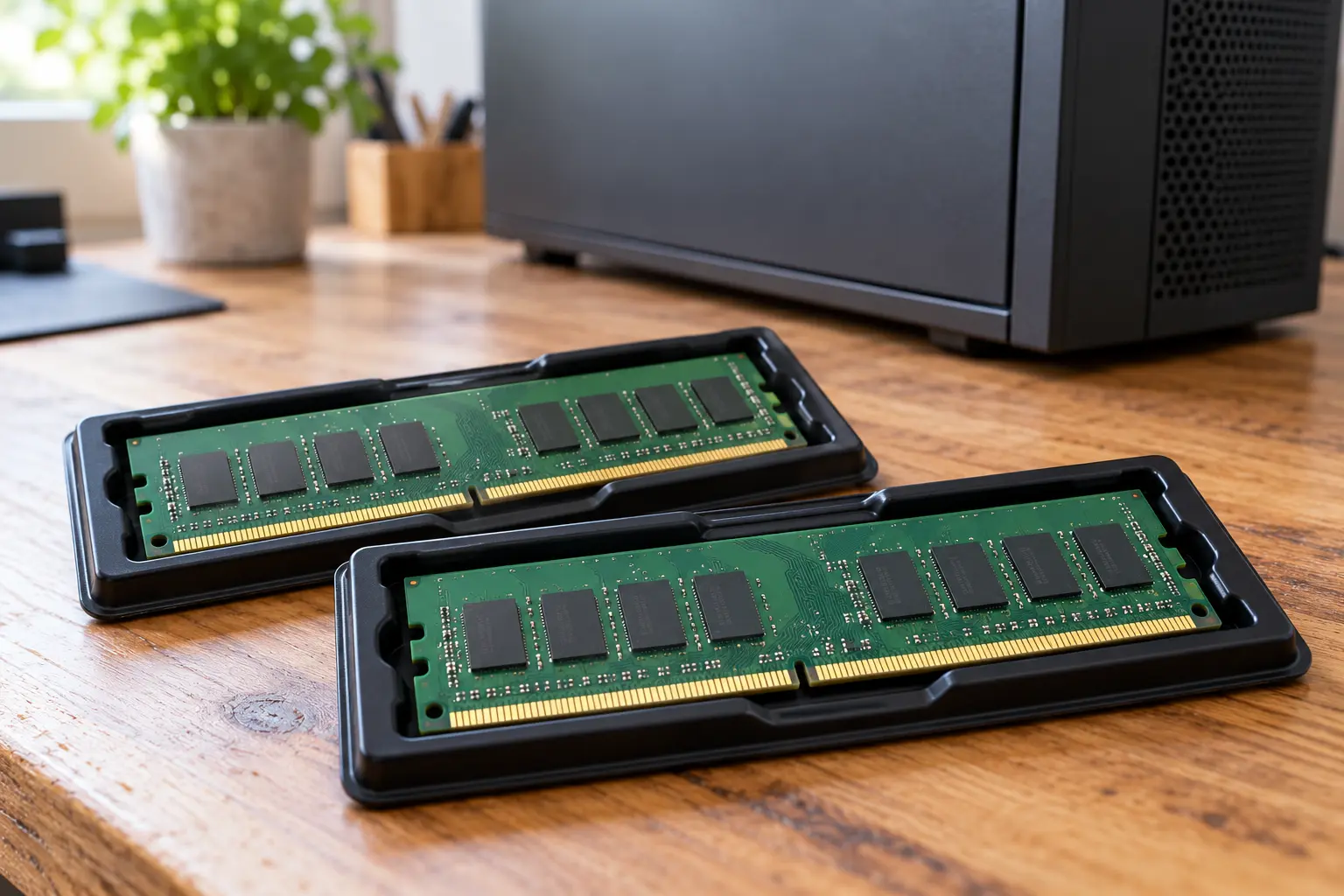
When planning a home-computer upgrade, do not start with the cheapest “16 GB” listing. First record the exact computer or motherboard model and the memory already installed. Capacity in an advert does not answer the compatibility question.
Make a record of your computer
Find the manufacturer’s manual and memory requirements: DDR generation, form factor, supported capacity and configuration. Establish whether modules are replaceable and slots available at all. A laptop series name alone is insufficient because its variants may differ.
DDR4 and DDR5 are not interchangeable. DIMM and SO-DIMM are different form factors; “computer memory” does not identify the right one. If the documentation is unclear, send the exact system model and memory part number to the manufacturer’s support or a technician before buying.
Read every label
Request sharp photographs of the labels on every module being sold and confirm the quantity. Record the complete part number, capacity per module and total kit capacity. For example, 2 × 8 GB and one 16 GB module are different offers despite the same total.
Ask whether these are the original modules from one packaged kit or separately assembled sticks. G.SKILL warns that combining kits does not guarantee compatibility, even with the same model. Matching heat-spreader colours do not establish a factory-matched kit.
Ask for a check, not a speed record
Ask the seller to show the modules recognised in a compatible system and provide a memory-test result identifying the configuration and settings. Match the labels to the demonstrated kit. A desktop screenshot alone does not show that every module was tested.
XMP/EXPO are overclocking profiles; the advertised setting is not guaranteed in every system. Do not request unfamiliar BIOS settings or increased voltage just to complete a sale. Errors, freezes or unclear results are reasons to postpone the purchase rather than dismiss them as chance.
Inspect and keep the details
With modules removed from a powered-off system, inspect accessible surfaces for board or contact damage, liquid traces and repairs. Do not remove heat spreaders or labels. If electronics handling and electrostatic protection are unfamiliar, leave inspection and installation to a technician.
Record the agreed part numbers, contents and disclosed faults. Transport modules in appropriate protective antistatic packaging, not loose in a bag. Even a successful demonstration cannot establish future stability in your particular computer.
Before paying
- The exact system model and memory requirements are known.
- DDR generation and form factor meet those requirements.
- Every module’s part number and capacity are legible.
- The kit’s origin and test conditions are clear.
- No universal XMP/EXPO-speed guarantee is assumed.
If compatibility remains a guess, do not buy “just to try it” without agreeing the terms beforehand. Time spent checking a part number is better than an unsuitable kit.