















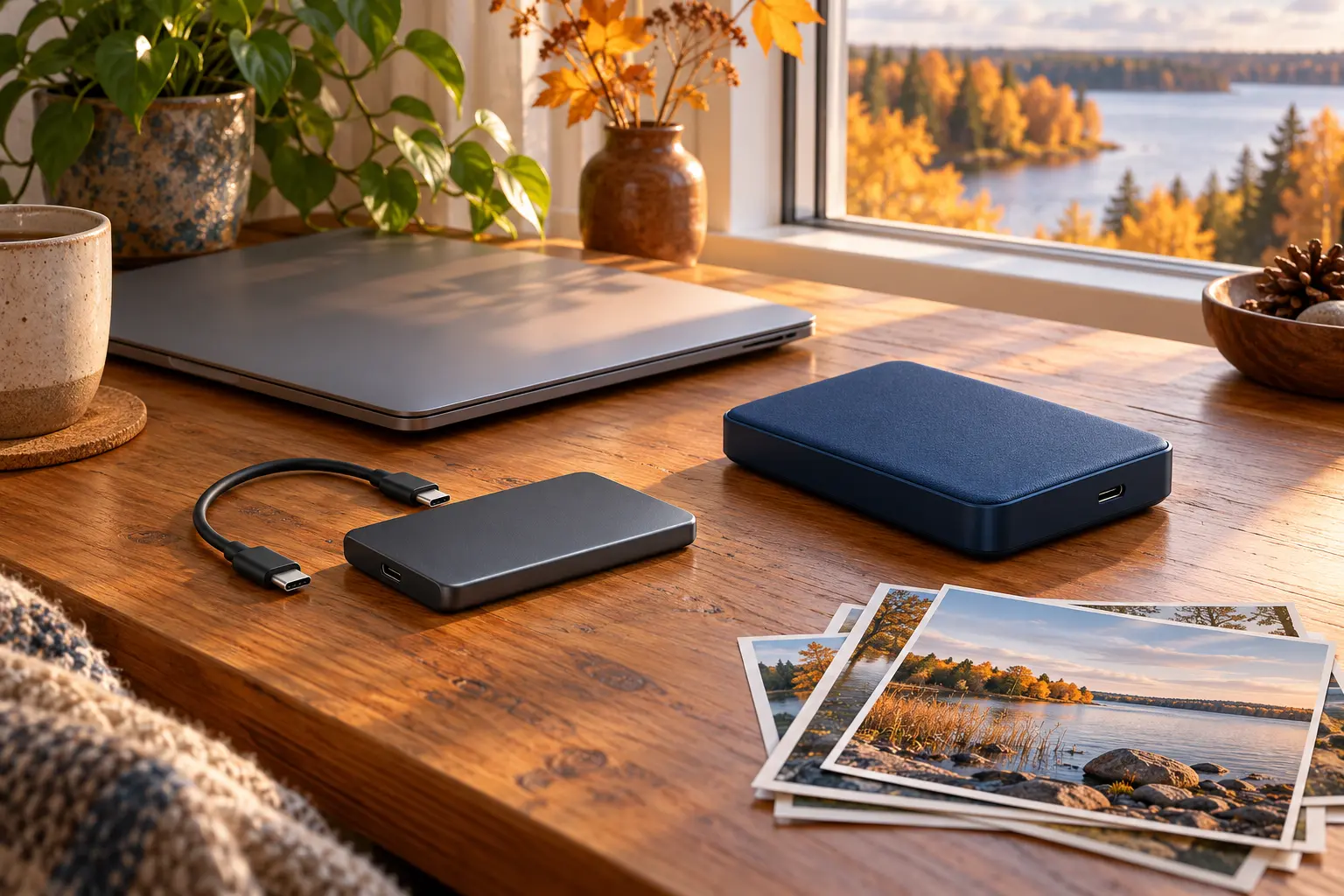
An autumn evening can be a good time to organise family photographs and documents. Moving every file onto a second-hand drive does not, by itself, create a backup. First decide what will remain on the original device and where an independent copy will live.
Identify the model before comparing prices
Ask for a photograph of the label, the exact model and advertised capacity. Is it a factory-built external SSD or HDD, or a separate drive fitted into an enclosure? For the latter, identify both parts.
List your computer, its ports and the required cable. A USB-C connector does not tell you the transfer speed. Check compatibility in the documentation for the actual devices. Include the necessary cable and, where required, power supply in the purchase. Measure the size of your folders and allow room for future files.
Ask the seller for a demonstration
Ask about age, previous use, drops, repairs and the reason for selling. Inspect the case, socket and cable. Cracks or a connection that works only at an angle deserve more attention than a cosmetic scratch.
Do not connect unknown storage to your main or work computer for a quick trial. Ask the seller to demonstrate it on their own equipment with prepared, non-sensitive test files, not a private archive. Do not browse someone else’s files or run software from the drive being sold.
The check must include reading files back
Ask to see the detected model and capacity, followed by writing test files and reading them back. Comparing checksums of the original and read-back files can provide a more reliable comparison than matching folder names. If the seller cannot explain errors or disconnections, postpone the purchase.
A short test does not verify the full capacity or predict remaining life. A diagnostic report is useful evidence, not a guarantee. Seagate warns users to back up before tests that repair errors. Do not run destructive tests or format a drive containing data that matters.
After purchase: copies and privacy
The seller should remove their data using a method suitable for the model before handover. An empty folder is not proof of secure erasure: Apple, for example, does not offer SSD secure-erase options in Disk Utility. Consult the manufacturer or a specialist for the correct procedure.
Consider having an unknown device checked by a specialist before use. Once prepared, copy your files and test restoring a few important documents. Keep the originals: a single set on an external drive is not a backup. RIA recommends disconnecting backup media between backups. Store it somewhere safe, separately from the computer.
Before paying
- The model, capacity and included accessories are clear.
- Compatibility with your computer is checked.
- The seller demonstrated writing and reading test files.
- The drive history and limits of testing are understood.
- An independent copy of important data is planned.
For irreplaceable photographs, prioritise a clear backup routine. Saving money on a drive should not mean giving up a second copy.