

















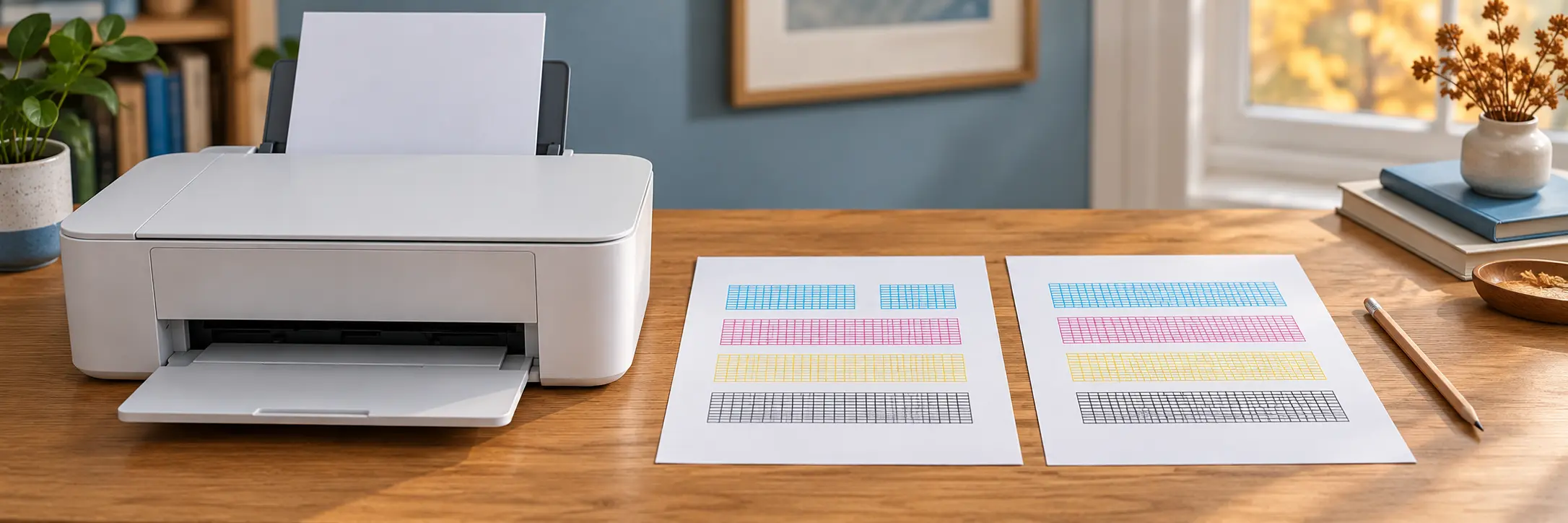
A striped photograph or missing colour is not a reason to run cleaning cycle after cleaning cycle. For an inkjet printer, the manufacturer’s nozzle check provides a clearer starting point: a fresh pattern to compare with the manual. This article does not cover laser printers, print-head dismantling or improvised flushing.
Start with the exact model
Write down the printer’s model designation and find its manual. Devices with similar names may have different menus and maintenance limits. Look for the nozzle-check or print-head-check section. Do not select a stronger cleaning mode simply because its name sounds more thorough.
Print the test pattern using the instructions. In good light, compare it with the manual’s examples of complete lines and gaps. Mark the date and action taken on the sheet. Keep the next test too: two sheets side by side show changes more clearly than memory.
Clean according to the result
The Epson ET-2850/L4260 series manual says that a complete pattern needs no cleaning and that cleaning consumes ink. If the pattern contains the gaps described in the manual, use the specified procedure rather than a homemade solvent flush or disassembly.
If three check-and-clean cycles have not improved the result, the same manual specifies a pause of at least 12 hours without printing after cleaning has finished. Then run another nozzle check and clean again if necessary, following the manual’s waiting and retesting procedure. That number belongs to the named series, not every printer. For another model, follow its own repetition limits and waiting instructions. During cleaning on this Epson series, do not turn the power off or open the scanner unit.
Checking a used printer
- Ask for a fresh nozzle test, not only an old successful photograph.
- Look at an ordinary document too: a nozzle pattern does not test every function.
- Record the test date, model and any visible gaps.
- Ask which maintenance steps have already been performed and whether improvement lasted.
When selling, describe any remaining problem directly. “Probably just needs cleaning” is a guess, not a repair assessment. Even a good pattern does not establish future reliability or confirm the scanner, network connection and every paper feed. If the manual’s permitted steps do not help, contact manufacturer support or a service technician rather than continuing indefinitely.
Source: Epson ET-2850/L4260: checking and cleaning the print head.