

















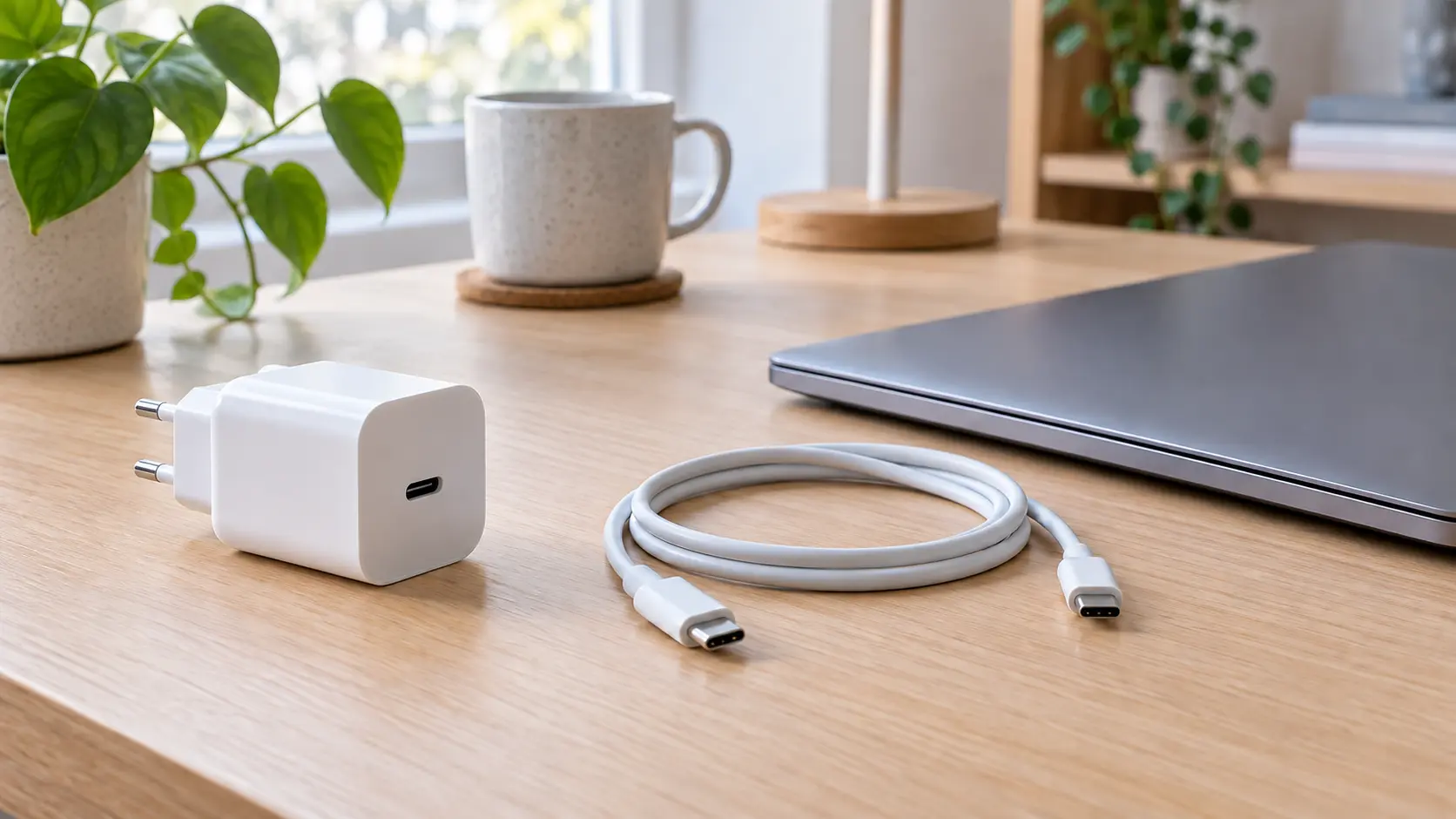
An oval connector reduces the need for different leads, but does not itself promise fast laptop charging or a picture on a monitor. Buying second-hand makes confusion especially easy: similar-looking chargers and cables can serve different purposes. Start with the device you need to charge, not the largest number on the box.
Start with the device requirements
Note the exact phone, tablet or laptop model. Find the supported charging method, required power and recommended electrical specifications in the manufacturer’s instructions. For a laptop, check that the USB-C port you intend to use accepts charging: the connector alone does not reveal every function. Keep a photo or link to these requirements so that you compare listings against one checklist rather than words such as “universal” or “fast”. If documentation is unclear, ask the manufacturer before paying.
Check the charger and cable separately
Request a clear photo of the charger label: model, output voltages and currents, and USB Power Delivery support if your device needs it. Establish the cable’s specifications separately. Matching plugs do not prove adequate power capability, data speed or video support. USB-IF distinguishes power and data capabilities; compare both if the cable is for more than charging. Do not assign the specifications of a similar cable to an unidentified example without packaging or markings.
Check the multi-port scenario
The total power printed on a charger is not necessarily available at every port at once. Read the manual’s power allocation for one and several connected devices. If you want to charge a laptop and phone together, check that exact combination. The cable must also suit the intended mode. A high wattage does not replace compatibility between device, charger and cable. Do not promise a specific charging time in a listing without verified measurement conditions.
Inspect the kit before paying
With the charger unplugged, inspect its housing and mains plug; check the cable sheath, connectors and bending points. Cracks, exposed wires, heat damage or loose parts are reasons to decline, not invitations to repair a charger yourself. Ask for ordinary close-up photographs, not just a promotional image. During a safe demonstration, check operation with your device, but remember that a short test cannot prove electrical safety or every claimed mode.
Before-you-buy checklist
- The exact device model is known.
- Manufacturer requirements have been checked.
- Charger and cable specifications are separately confirmed.
- Power sharing between ports has been checked.
- Condition and included items are honestly described.
List charger and cable separately, including their models and known specifications. If no cable is included or its capabilities are unknown, say so plainly: compatibility matters more than “works with everything”.