















Labelling storage boxes seems straightforward until the chosen printer needs different tape or an app that does not suit your phone. Before buying second-hand, prepare one real task: what will you label, and what should the result look like? That lets you assess the set rather than merely see a light come on.
Start with the label space
Measure the available area on the box, folder or container. Sketch the required text at a readable size on ordinary paper. Do not choose a device solely by the maximum width in a headline: establish how your layout fits a supported consumable. Take measurements before meeting so you are not choosing by eye. One short label without personal information is enough for an initial check.
Record the complete model
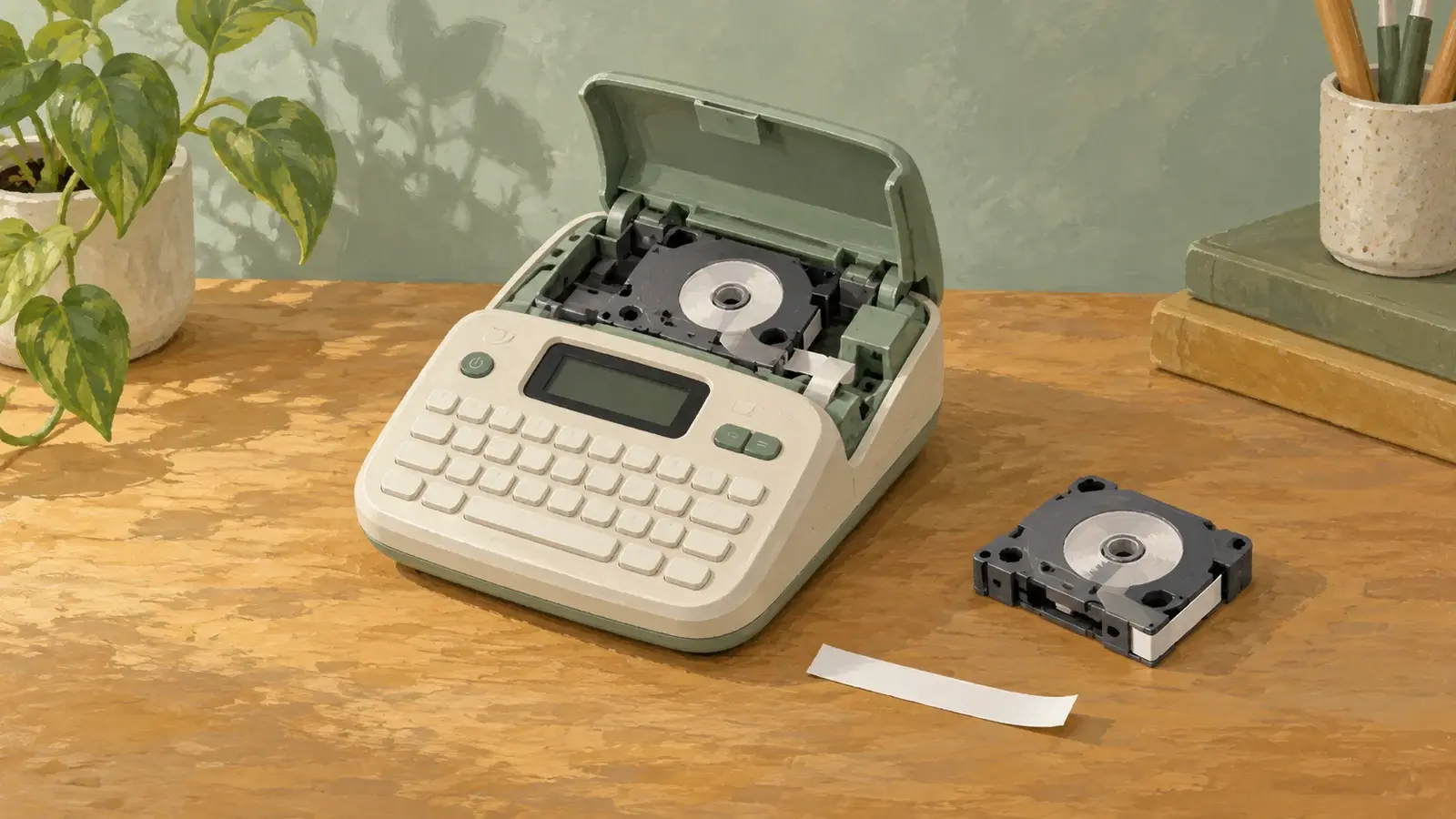
Ask for a photograph of the marking on the printer itself. Find the manual and consumables list for that exact model, not a similar casing. Record the tape or roll reference, available sizes and loading requirements. Matching width does not establish compatibility between different cassettes. If you intend to use stock you already own, compare its part numbers with the official list before buying.
Check your device combination
Brother says support depends on printer model, operating system, P-touch Editor version and connection method.
Record your system and version, then open current support information for the selected model. Establish the required app and whether you can install it. A test on the seller's phone does not automatically cover your computer. Bluetooth in a description does not confirm your intended workflow.
Separate the promised accessories
Ask to see the cable, power supply, cassettes and other accessories individually. Establish which consumables are sealed, opened or merely present for the photograph. Do not describe remaining tape as a full cassette unless its quantity is established. For a missing essential part, check compatibility and replacement cost first. Do not include unconfirmed extras from an informal conversation in your assessment of the set.
Print your own small sample
Inspect the body, connectors and power equipment first; do not operate a damaged device. On a sound printer, ask to see layout creation, job transfer, printing and normal label separation. Follow the manual with a permitted consumable; do not pull tape through the mechanism. Check your text's readability, including any required accented characters. If your own connection has not been tested, keep that as a separate unresolved question.
Before deciding
- Model and consumable reference are known.
- Label dimensions suit the intended space.
- App and connection method have been checked.
- Accessories and opened cassettes are honestly described.
- The trial print is retained.
One successful label does not establish battery endurance, the contents of every roll or durability on every surface. The purchase is clearer when you understand the whole route from your text to the label you need, not just the printer's name.