
















A family photograph box may contain both paper prints and strips of negatives. The word “photo” in a scanner listing is not enough to choose a machine for both. First identify the originals you want to digitise. Then establish the exact model's capabilities and what is actually included: a large glass bed does not answer every question.
Separate the scanning tasks
Write down whether you need documents, paper photographs, negatives or slides scanned. For film, identify the format and how it is stored without cutting it for a trial fit. Do not use fragile or damaged important originals to test someone else's equipment. A suitable ordinary sample with no particular value is a better starting point for learning the machine's workflow.
Find the model on the machine
Ask for a photograph of the complete model designation and locate the manufacturer's manual. Do not rely on a series name or a box from a similar device.
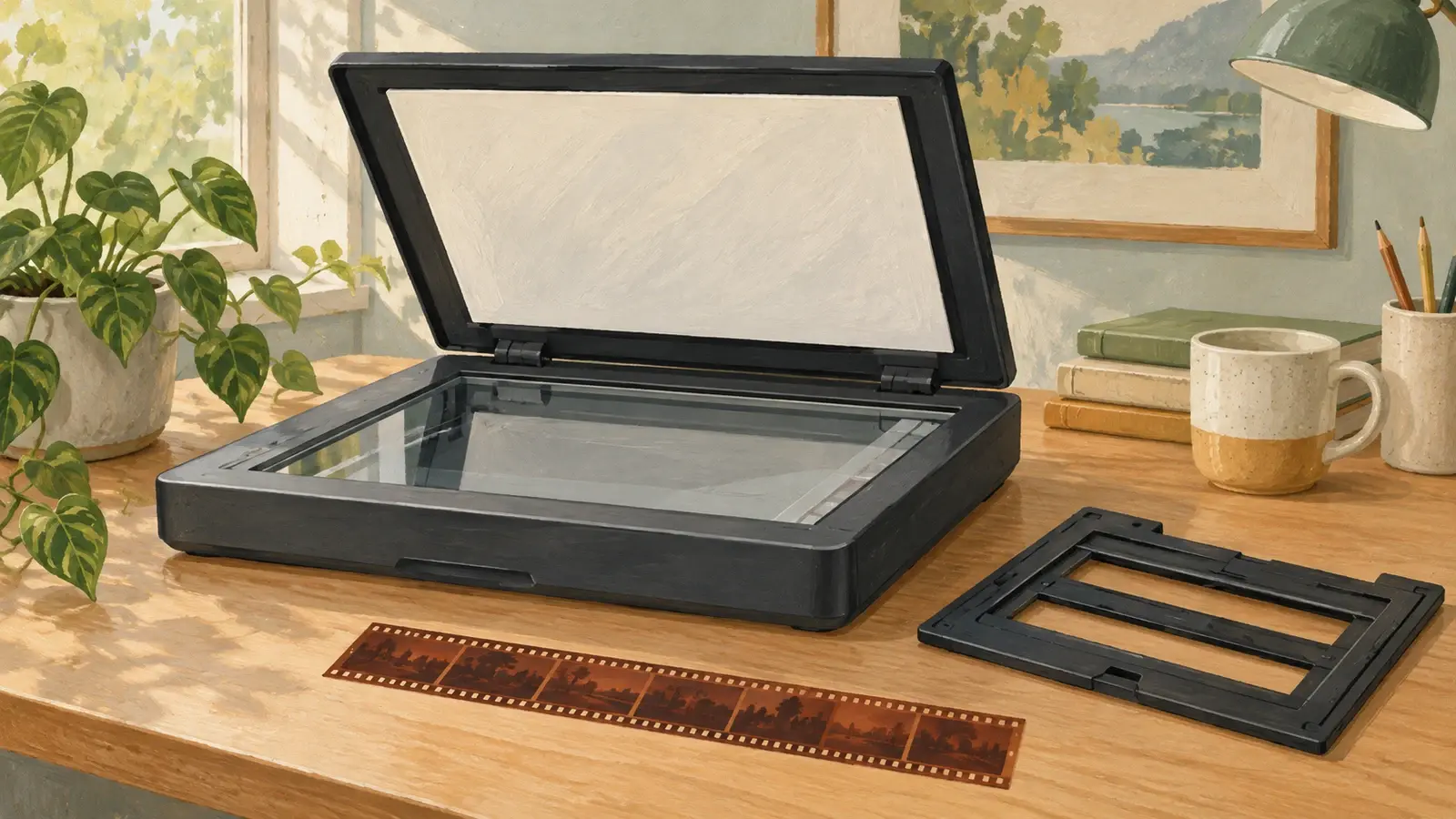
For the Epson Perfection V600 Photo, Epson describes film scanning with a transparency unit and the appropriate holder.
This is a model example, not a feature of every flatbed. For a document scanner, separately establish permitted originals: feeding sheets does not demonstrate negative-scanning capability.
Match the holder to your film
Ask for all frames and adapters to be laid out separately. Compare their markings and shapes with the identified model's manual. Establish which formats each holder accepts and whether inserts, covers or catches are missing. Do not assume a homemade frame is a resolved replacement. If an essential part is absent, establish its availability before buying, rather than after your first unsuccessful scan.
Check the intended computer connection
Record your computer's operating system and version. Check the official support page for software available for that model and system. Ask the seller which application they actually used. “Connects by USB” does not describe the entire route from original to saved file. Do not install an unidentified driver archive from a random link. A demonstration on another computer also leaves your own setup to be confirmed.
Agree a useful demonstration
Before switching on, inspect the body, cables, glass and lid mounting. Do not power up equipment with damaged power connections or other safety concerns. On a sound device, ask for a complete cycle with an allowed test original: preview, scan and file saving. The relevant mode matters. A successful document scan does not establish that film scanning was tested. Record anything that could not be checked separately.
Keep these details in the description
- Exact model and required original type.
- Holders, adapters and cables included.
- Computer and application actually checked.
- Demonstration performed and its limits.
- Visible defects and missing items.
Do not infer future detail or colour accuracy from one specification number. Choose an understood set for your task, rather than a promise to restore the entire family archive with one click.