

















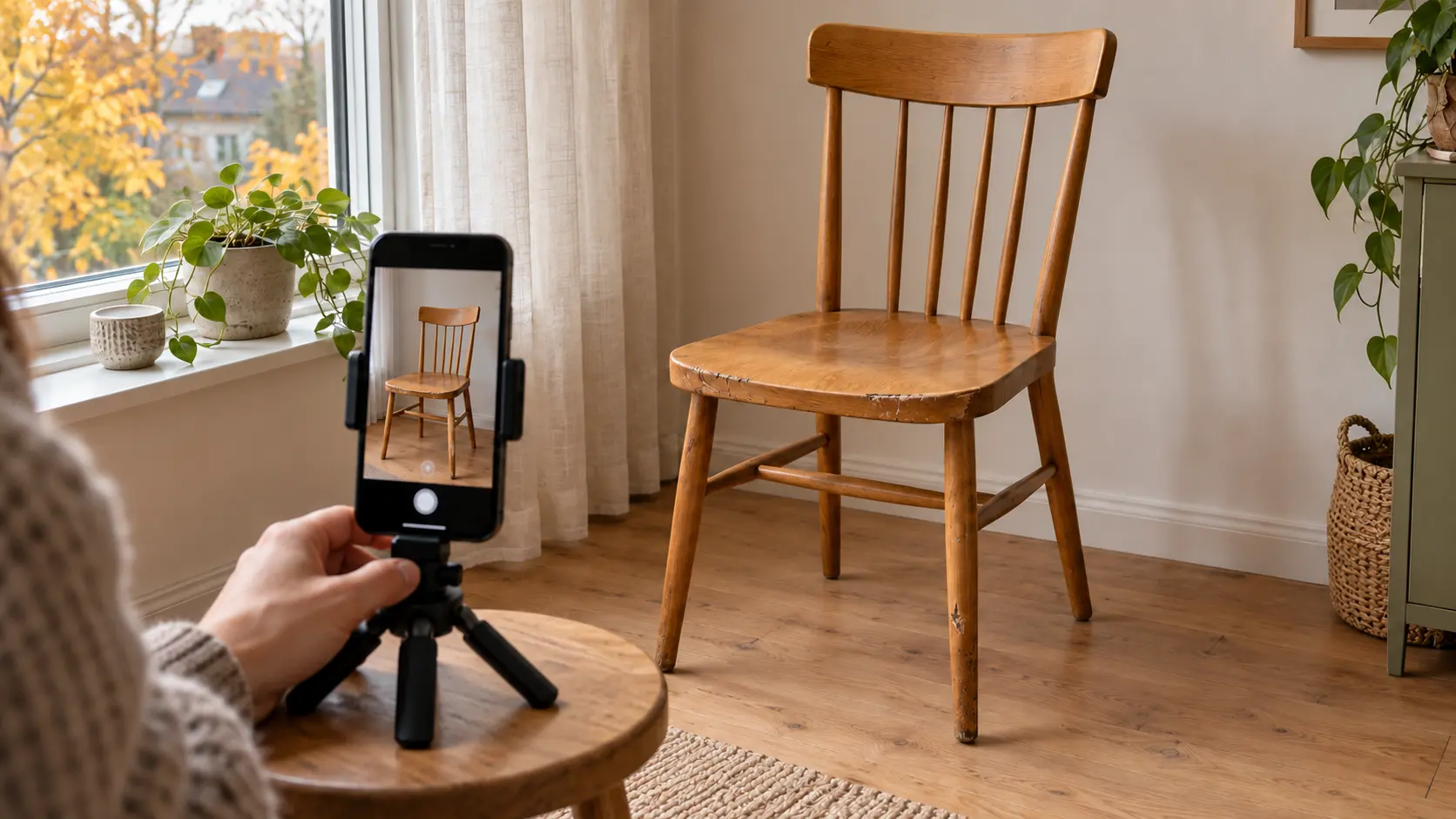
Autumn listing photos: clear, honest pictures indoors
In autumn, photographing something for sale can slip into the evening, when colours look different indoors and details disappear into shadow. You do not need to buy studio equipment straight away. Start with one item, one tidy spot and a short shot list. The aim is to show what the buyer will actually receive, not make a used item appear new.
1. Prepare the space before opening the camera
Clean the phone's camera lens with a suitable soft cloth. Remove unrelated objects and choose a background that makes the item's edges easy to distinguish. Move bills, address labels and family photographs out of view. Check mirrors and shiny surfaces too: they may reveal more than you initially notice.
Gather the item and its included accessories. Remove props that are not for sale, or make it unmistakably clear in the description what the price includes. For furniture, leave enough room to photograph its side and back as well.
2. Test the light before taking the whole set
If possible, try a spot near a window during daylight. In the evening, take a test photograph and check whether the important surfaces are visible. Move the item or lamp if a reflection hides a scratch. Do not cover a hot light with paper or fabric or create an unsafe homemade diffuser.
Sony explains that white balance helps correct colour casts caused by lighting. Compare the photograph with the item: white should not become yellow or dark blue disappear into black. If the result remains inaccurate, change the light or shoot later rather than adding a strong colour filter.
3. Check sharpness as well as brightness
Support the phone securely or hold it with both hands. Photograph the whole object first, then the relevant details. Apple's camera guide describes choosing a focus point and adjusting exposure; the exact controls depend on the phone. Consult your model's instructions if necessary.
Enlarge the photograph and check whether the model label, fabric surface and wear marks are clear. Do not judge only by the small preview. Retake a blurred picture; excessive sharpening during editing cannot recover details that were never captured.
4. Photograph answers to the buyer's questions
eBay's photography guide recommends showing different sides and wear. That general principle can inform your own shot list, but another platform's image limits and technical requirements are not Zeppik's rules.
- Overview: include the entire item in the frame.
- Another side: show the back, underside or interior as appropriate.
- Identification: show a model label or measurement without unrelated personal information.
- Contents: photograph only the included accessories together.
- Condition: show each important fault close up and, where useful, in a wider picture that locates it.
Write measurements in the description too. Perspective can distort apparent size, and a photograph does not replace a tape measure. A lit screen does not by itself prove that every function of a device works.
5. Edit lightly and review the finished set
Crop unnecessary background and straighten a tilted frame, but do not remove stains, cracks or worn corners. Do not use AI to add missing parts or substitute a generated product picture for the actual item. If editing changes its shape, colour or condition, take another photograph instead.
Select images that each answer a different question. Compare them with the description: the same contents, the same faults and the same measurements. Review the pictures at a larger size and check backgrounds and reflections once more. A clear set helps a buyer decide whether to ask for details or arrange a viewing; it does not guarantee a selling price or a faster sale.