

















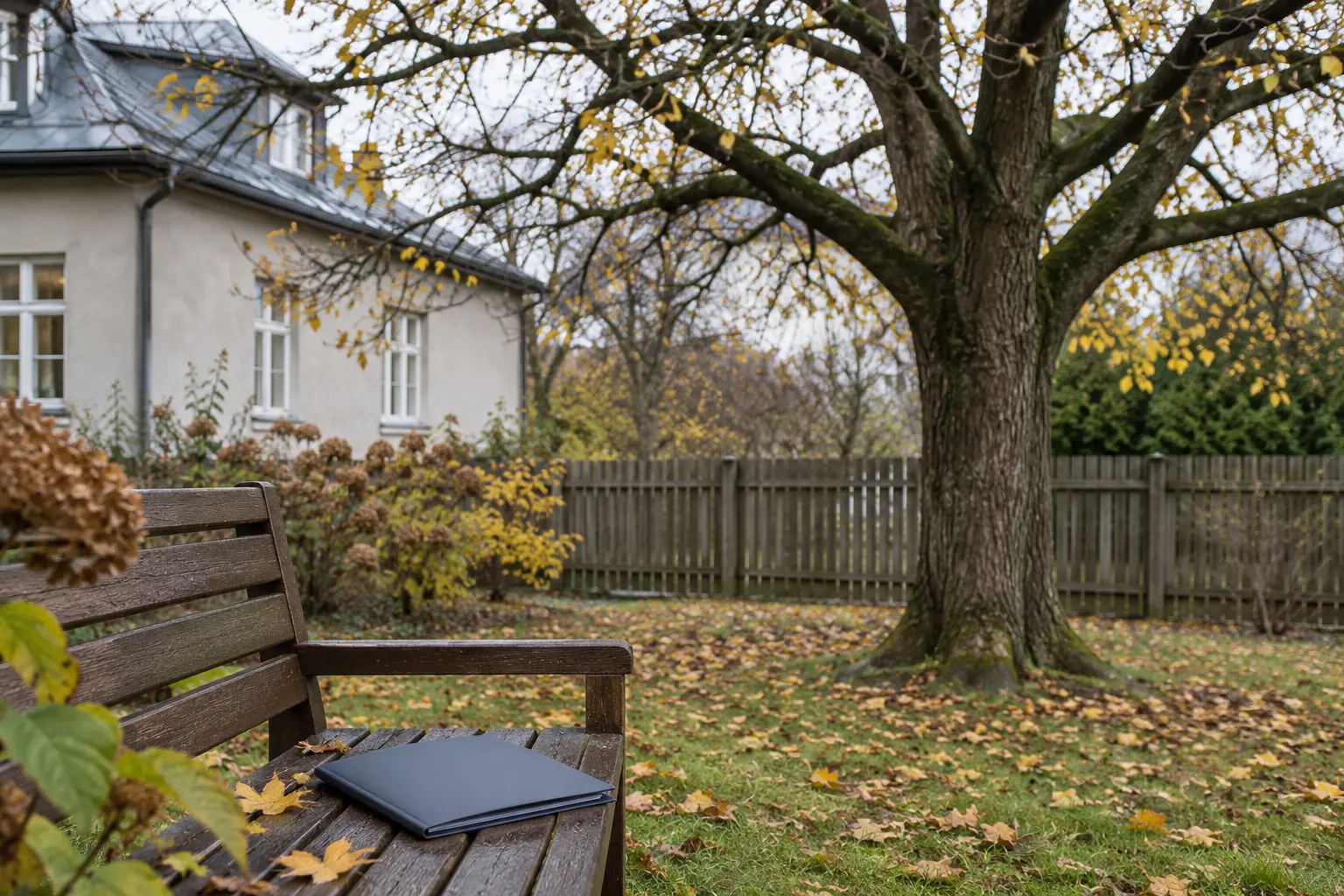
A tree shades the window, branches reach over the fence, or the apartment association wants a tidier courtyard. A contractor may be available next week, but availability is not permission to begin. For planned tree work in Tallinn, first establish whose tree it is, what action is proposed and which decision is required. This is a preparation workflow, not instructions for cutting or a judgement about a particular property dispute.
Start with the tree, not the quotation
Record the address and identify the particular tree clearly. Separate felling from pruning: a proposal to shorten branches is not the same request as removing the tree. Describe the concern without diagnosing decay from a photograph. If the condition or suitable treatment is unclear, Tallinn recommends an arborist or dendrologist assessment. The city’s application review is not a general survey of every tree in your garden.
Do not assume that owning the plot lets you remove any tree. Tallinn’s guidance requires permission for relevant felling and pruning in densely settled areas and describes specific exceptions. Check whether the exact proposed work meets an exception rather than applying a remembered rule about small trees or dead branches to the entire job. Other municipalities have their own procedures; this Tallinn checklist is not a national permit.
Establish who can act
For a tree on somebody else’s private land, start with the owner. For city land, contact the district administration rather than submitting yourself as the owner. State land has a separate responsible authority. A branch crossing the fence does not make ownership or the permitted work obvious. Boundary and neighbour cases deserve a factual enquiry before any contractor is instructed.
Tallinn’s ownership guidance explains authorisation for representatives and the documents needed in shared ownership and apartment associations. A resident’s message in a group chat is not a substitute for the relevant association decision. Ask the board or authorised representative to check the applicable documents. Do not copy a consent template from a different type of job and assume that it covers your case.
Prepare the application and leave time for questions
Use the official Raie information system and its current instructions. Keep the tree identification, proposed work and supporting decision consistent. If someone submits on your behalf, establish the required authorisation before sending them documents. Share only the material needed for the application, not unrelated residents’ personal information.
Submission does not mean approval. Follow requests for corrections and additional documents in the system. The city explains that processing is counted from a complete application, not necessarily from the first submission. Accordingly, do not arrange an irreversible work date on the assumption that a form sent today settles the matter. If timing is important, ask about your application rather than relying on a contractor’s estimate of the authority’s schedule.
Check the issued decision before work
Issued permits can be searched by address or permit number in Raie. Match the actual decision to the tree, type of work, validity and conditions; an old permit for the same address is not enough. Read any associated obligations, including replacement planting where applicable. A price quotation should describe the authorised scope, removal of material and who handles the remaining obligations.
If the proposal changes, clarify whether the existing permission still covers it before proceeding. Keep the decision and agreed scope available to the responsible contractor. This article does not assess structural danger or explain emergency tree removal. For an immediate threat, keep people away and seek emergency assistance rather than treating the ordinary application workflow as a safety measure.