
















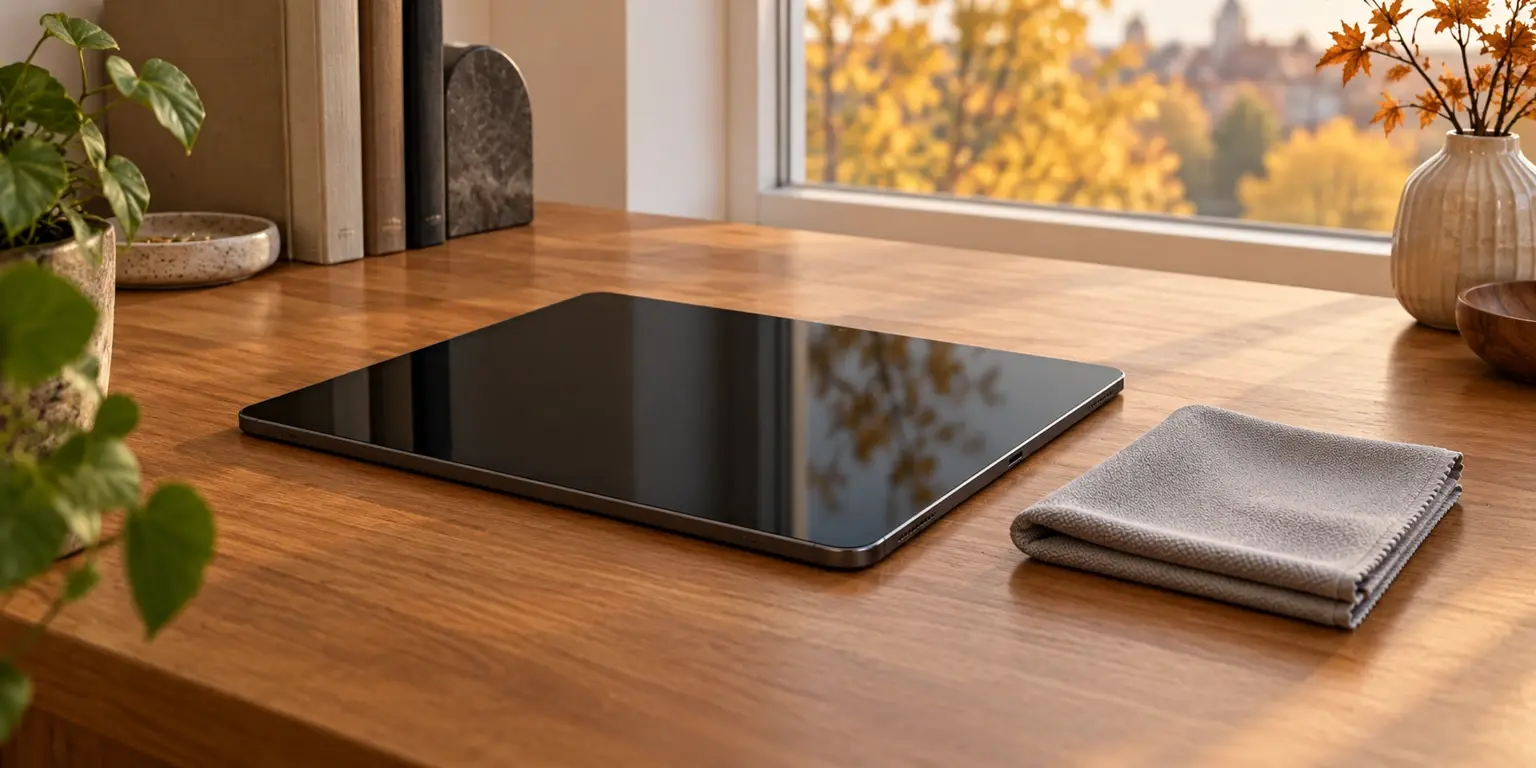
Fingerprints stand out on a dark screen, especially when you are about to take a sale photograph. Kitchen paper or a random spray is not the right starting point. First find the maker’s directions for the exact model and surface.
Separate the device from accessories
Identify the phone or tablet. Check for special glass, a folding display or an installed protective film. Apple gives separate directions for nano-texture glass on certain iPads; Google warns against removing the protective film on Pixel Fold.
Cases, straps and protective layers may need different care from the body. A product allowed on glass is not automatically allowed on leather or rubber. When removing a case, do not rest the device on its dirty inner surface.
Prepare a small workspace
Disconnect charging and turn the device off as instructed. Set out a clean, soft, lint-free cloth; Samsung recommends soft microfibre for Galaxy devices. Keeping a cloth for screens is more convenient than using one just employed on something else.
Start with gentle wiping, without heavy pressure. If a mark remains, do not automatically rub harder. Read the instructions for stubborn dirt. Apple and Samsung warn against moisture entering openings; do not spray liquid directly onto the device.
Skip the universal mixture
The permitted cleaner depends on the product and surface. This article deliberately does not offer one alcohol mixture for all phones, screens and cases. Concentration, product form and restrictions must match the official instructions rather than remembered advice for another device.
A scratch, separating layer or mark beneath the glass may not respond to surface cleaning. Do not open or polish the display to improve a photograph. Inspect it from different angles after normal care and describe remaining defects honestly.
Before photographing or storing
- Identify the model and surface.
- Disconnect charging and switch off.
- Use a clean, soft, lint-free cloth.
- Check any cleaner against the surface instructions.
- Keep liquid out of openings and do not refit a wet case.
A clean screen shows appearance, not the condition of the battery, touch sensor or display electronics. Those checks remain separate.