

















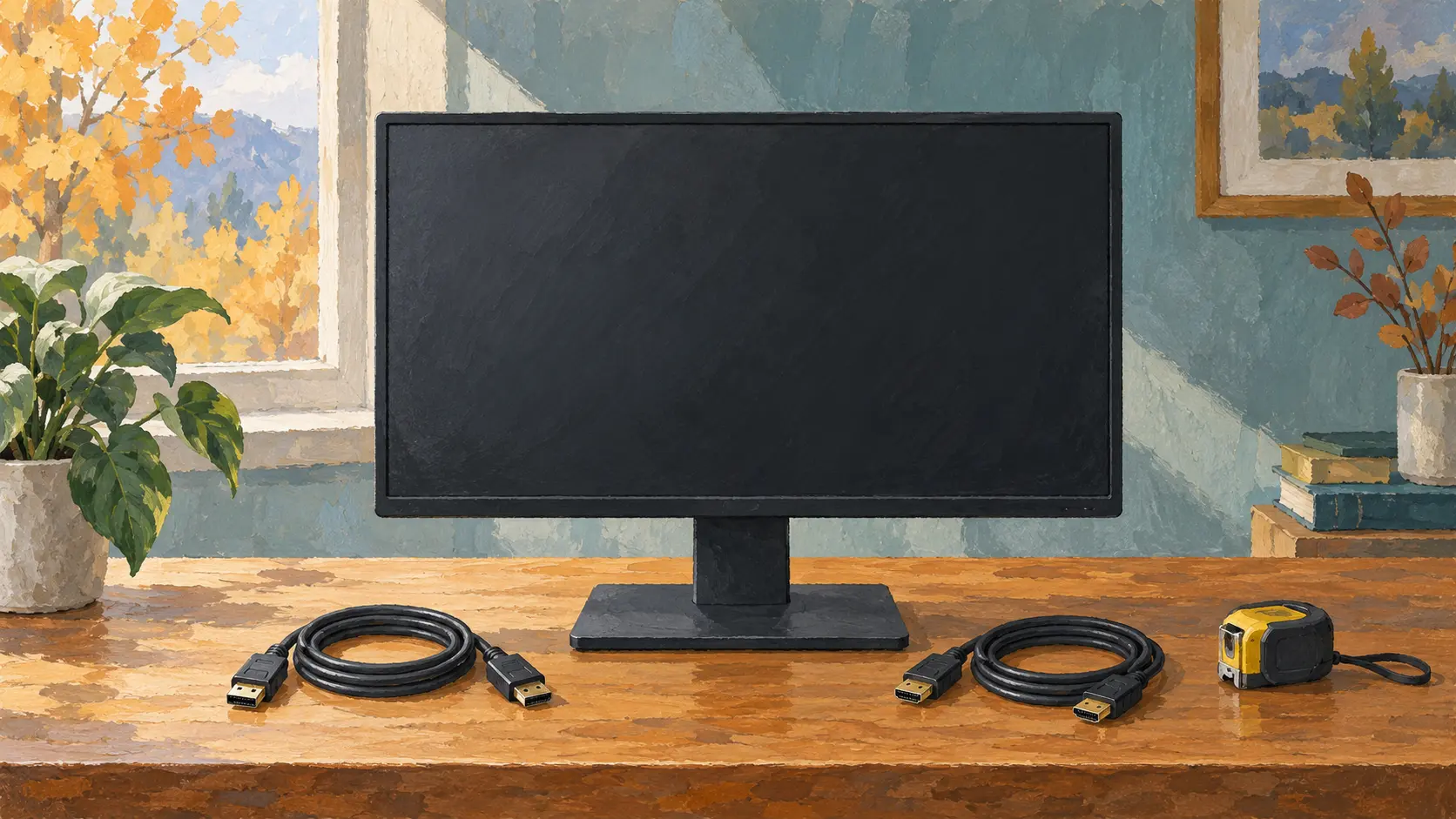
A larger screen can make an autumn evening of paperwork more comfortable to organise, but a used monitor must fit more than a gap on the desk. It needs the right connection, a usable stand and a screen you can inspect under known conditions. Before choosing by diagonal or price, prepare a short plan for the demonstration.
Match the model to your computer
Ask for the exact model number and a photograph of the connectors. Find the manufacturer manual rather than relying on the general series name. List what you need: ordinary documents, particular display settings, built-in speakers or a USB hub. Features that matter should be confirmed individually, not assumed from the appearance.
Compare the computer output, monitor input and cable together. Dell's connection guidance notes that some USB-C monitor ports do not carry video. A matching connector shape therefore does not prove a complete working connection. Check the actual ports and cable specification; include any verified adapter in the cost.
Measure the whole setup
Ask for width, height and depth with the stand attached. Check the base footprint, cable space and clearance below shelves. If height adjustment or portrait rotation matters, ask the owner to show those functions normally, without forcing the mechanism.
Look for cracks or missing pieces in the base and mounting joint. A screen that works when propped against a wall is not a complete desk setup. If planning a monitor arm, verify the model's mounting specification, weight and required hardware against the arm instructions before purchase; do not assume four holes mean compatibility.
Inspect while switched off
Look at the panel surface in ordinary side light for scratches, pressure marks and cracks. Inspect the casing, cable and external power supply if one is required. Do not press the screen, peel its surface or open the housing. Damaged insulation, exposed parts, scorching or uncertain power equipment mean no power-on test until a qualified specialist has assessed it.
Clarify whether the exact power supply and demonstrated cables are included. A substitute plug that fits is not enough: the specified electrical requirements must match. Record repairs or intermittent faults reported by the seller as their account, not verified history.
Show an image, not just a desktop photo
With the owner's permission and no safety concerns, connect a known suitable computer and cable. Confirm the chosen resolution and refresh setting are supported by the entire setup. Display ordinary text and several plain light, dark and coloured backgrounds at a comfortable brightness. Inspect different areas for lines, persistent spots, flickering and uneven patches; note what you actually see.
For applicable Dell monitors, the official diagnostic guide directs users to the model's own built-in-test instructions. Follow those instructions where relevant; do not invent a universal button sequence. A pattern that persists deserves clarification, not a promise that software will fix it.
Separate tested from untested
Try the input you will use, menu controls and any essential audio or hub function. One working HDMI input does not establish that another port works. If a feature cannot be shown, write that down and decide whether you can accept the uncertainty.
A short test is not professional colour calibration, proof of remaining backlight life or a guarantee against intermittent faults. Photographs may hide marks and alter colours. Do not let a bright demonstration image substitute for checking text and the whole panel yourself.
Before collection
- Exact model and intended connection are confirmed.
- Stand or mounting plan is complete and fits the desk.
- Screen, casing and power equipment have been inspected.
- Essential functions have been demonstrated; exceptions are recorded.
- Cables, accessories and a protective transport plan are agreed.
Budget for the usable setup, not only the screen. For transport, protect the panel from pressure and follow the model's packing guidance. Choose a monitor whose limitations are clear rather than one that depends on an unexplained adapter or promised repair.